

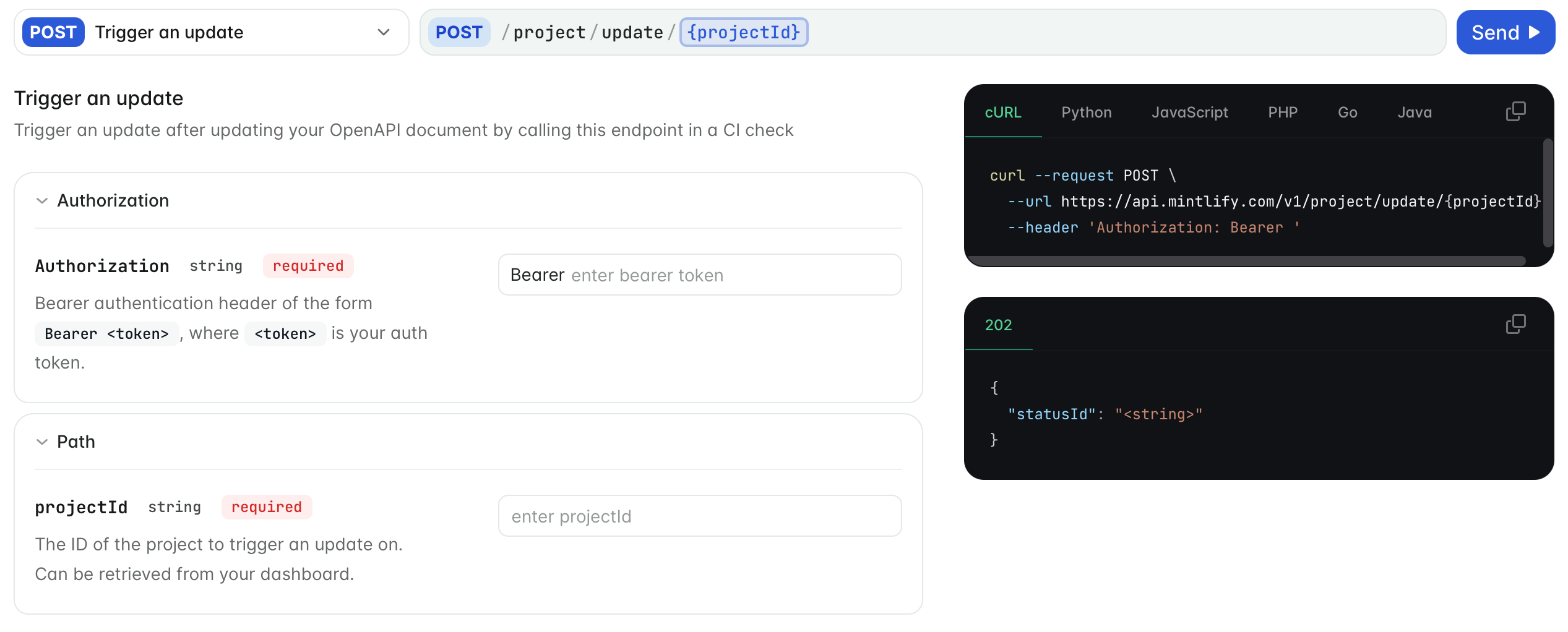
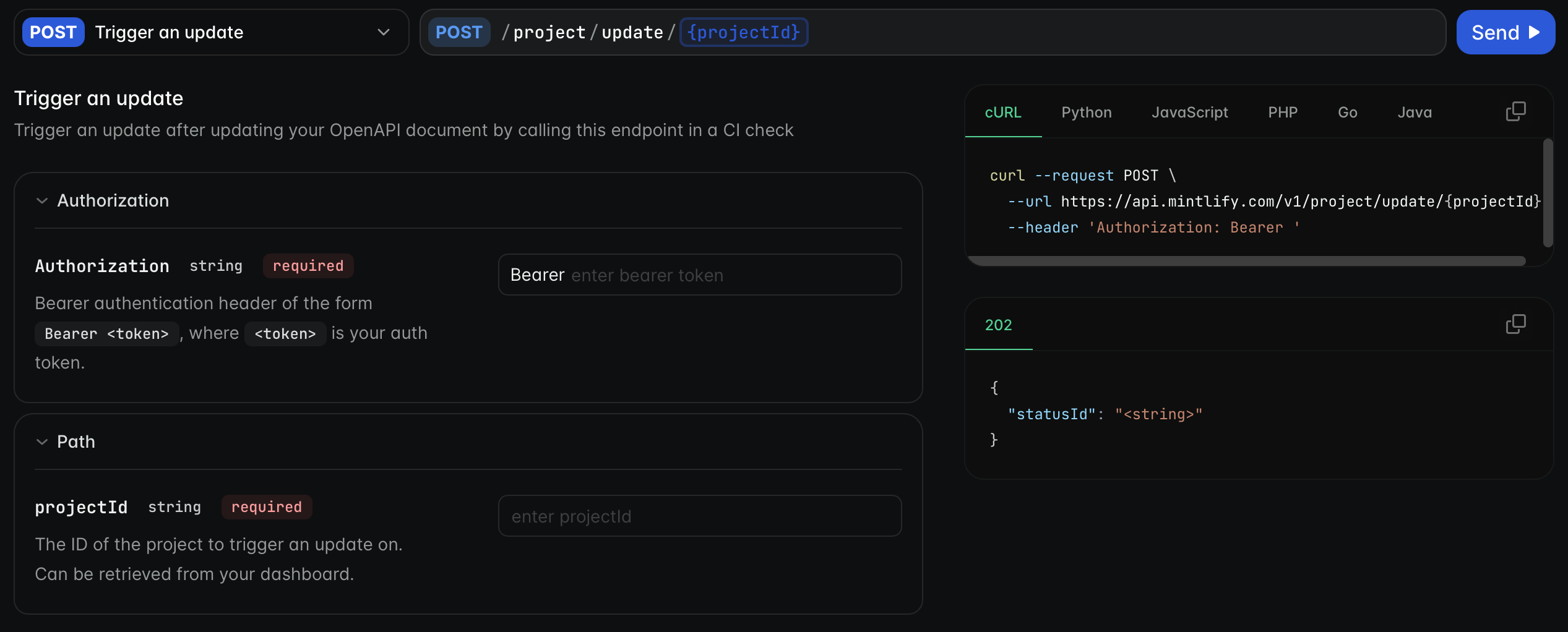
What your users can do
- Send requests to your API from the playground and see the responses, including images, audio, video, and streamed responses.
- Copy request examples in their language, or in your SDK.
- Fill in request bodies field by field or edit them as JSON.
- Navigate to a specific parameter.
- Download your specification, if you turn the option on.
Choose how to document your API
You can combine approaches, such as an OpenAPI reference for your REST API and an SDK reference for your client libraries.
Get started with OpenAPI
Set up OpenAPI
Add your specification, validate it, and keep it in sync with your API.
Configure the playground
Set your base URL and authentication.
Organize endpoints
Group endpoints, combine specifications, and hide internal endpoints.
Endpoint URLs and titles
Control page URLs and keep them stable when your specification changes.
Customize endpoint pages
Change titles and descriptions, add content, and create pages for individual endpoints.
Code examples
Choose example languages, or add your own SDK examples.
Edit request bodies as JSON
If an endpoint takes a JSON request body (application/json or a +json media type), the body section of the playground has a Form and JSON toggle. Readers use Form to fill in one field at a time, or JSON to edit the whole body in a code editor, for example to paste a response from another endpoint and change a few values.
- Form and JSON edit the same body, so changes in one view appear in the other. The request and the generated code examples always match the body.
- JSON keeps properties that aren’t in your OpenAPI schema and sends them with the request.
- If the JSON is invalid, the playground shows the line, column, and likely cause of the first error. Readers can’t send the request until the JSON is valid.
- The playground remembers which view the reader chose and uses it for other endpoints.
multipart/form-data or application/x-www-form-urlencoded.
Link to parameters
Every parameter on an endpoint page has an anchor link. Hover over a parameter name and click the link icon to copy a URL to that parameter, for example to share it in a support conversation. The URL format isyour-docs-url/endpoint-path#parameter-name. For nested parameters, the anchor includes the parent path.