
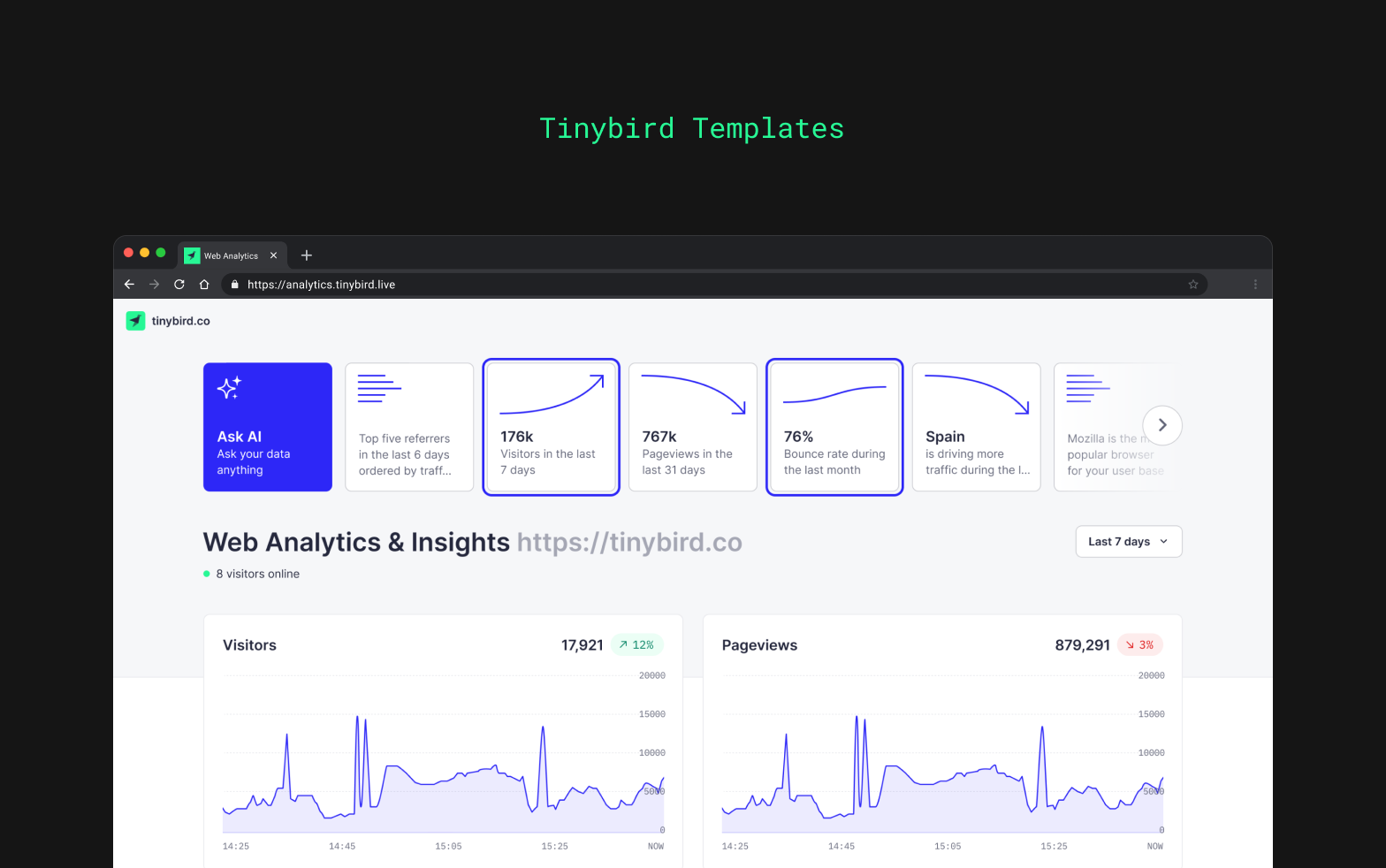
What is Tinybird Web Analytics?
Tinybird Web Analytics is a complete, production-ready web analytics platform built with privacy and speed as top priorities. It combines real-time event tracking, powerful data processing, and a beautiful pre-built dashboard to give you instant insights into your website traffic. Unlike traditional analytics solutions, this starter kit gives you full control over your data and infrastructure while maintaining real-time performance at scale.Key Features
Real-Time Analytics
See visitor activity as it happens with sub-second query latency
Privacy-First
GDPR-compliant tracking with full control over your data
Custom Events
Track any user interaction with flexible custom event tracking
Web Vitals
Monitor Core Web Vitals to optimize user experience
Multi-Tenancy
Track multiple sites and tenants in a single deployment
Pre-Built Dashboard
Beautiful Next.js dashboard ready to deploy on Vercel
How It Works
The platform consists of three main components:1. Event Tracking
A lightweight JavaScript tracker (@tinybirdco/flock.js) captures page views, custom events, and web vitals from your website with minimal performance impact.
2. Data Platform
Tinybird processes your events in real-time using a modern data stack:- Landing Datasource: Ingests raw events via Events API
- Materialized Views: Pre-aggregates metrics for fast queries
- API Endpoints: Exposes typed, high-performance query endpoints
3. Analytics Dashboard
A Next.js application provides a complete analytics interface with:- Real-time visitor counts
- Traffic trends and KPIs
- Top pages, sources, and locations
- Device and browser breakdowns
- Web vitals monitoring
- Built-in authentication
What You Get
This starter kit includes everything you need to run your own analytics platform:- Tinybird Data Project: TypeScript-defined datasources, pipes, and endpoints
- Tracking Script: NPM package for event collection
- Next.js Dashboard: Full-featured analytics UI
- Authentication: Built-in basic auth for dashboard access
- Multi-Tenancy: Support for tracking multiple domains and tenants
- Documentation: Comprehensive guides for setup and customization
Use Cases
- Product Analytics: Track feature usage and user behavior
- Marketing Analytics: Measure campaign performance and attribution
- E-Commerce Tracking: Monitor conversions and shopping behavior
- Content Analytics: Understand which content resonates with your audience
- Performance Monitoring: Track Core Web Vitals and page load metrics
Quick Links
Quickstart
Deploy your analytics platform in 5 minutes
Tracking Setup
Add tracking to your website
API Reference
Explore available endpoints
GitHub Repository
View the source code
Architecture Overview
The platform is designed for:- Scalability: Handle millions of events per day
- Real-Time: Sub-second query latency on live data
- Privacy: Full data ownership and GDPR compliance
- Extensibility: Easy to customize and extend
Next Steps
Ready to get started? Head to the Quickstart guide to deploy your analytics platform.