What is Pomo?
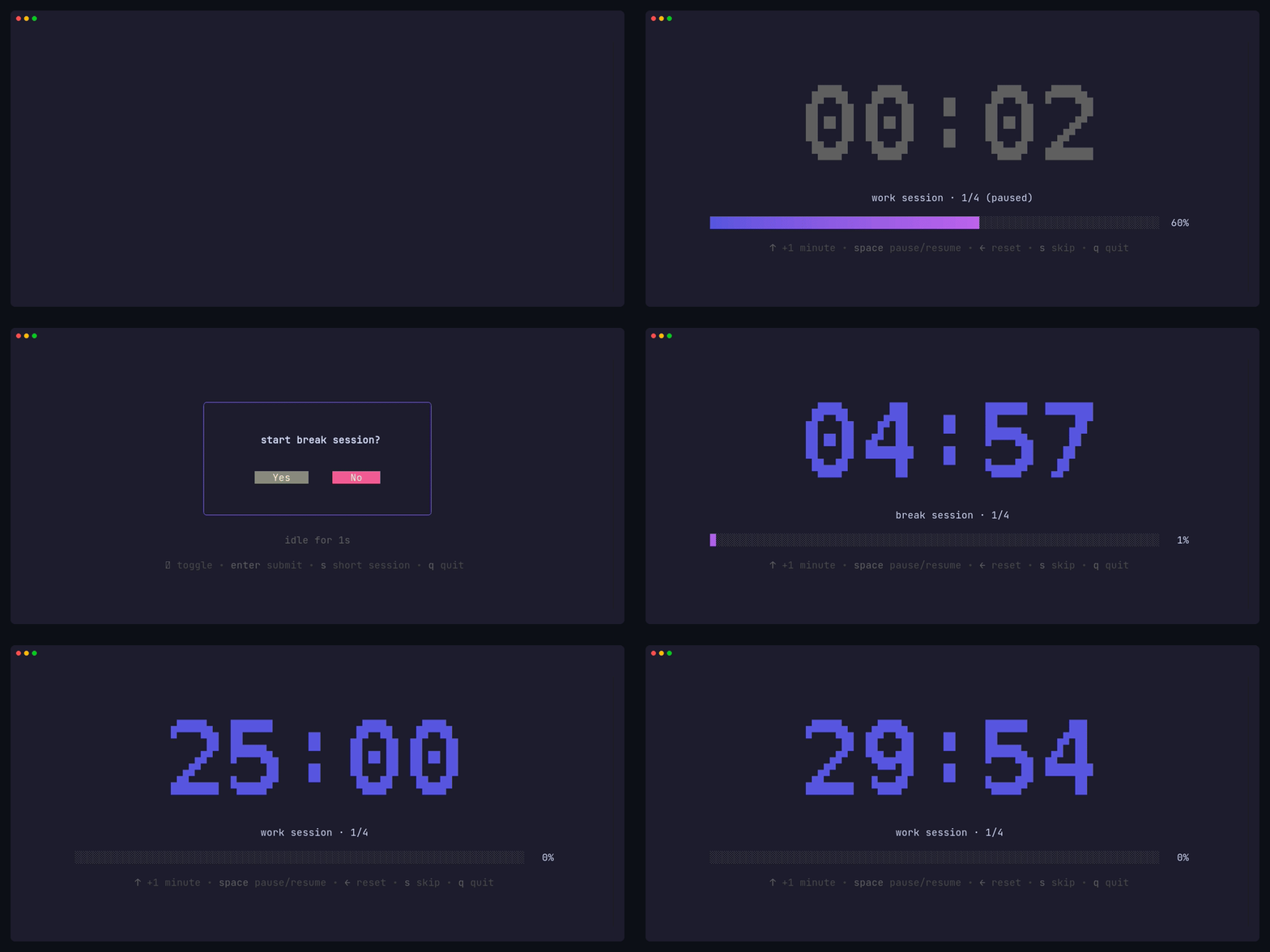
Pomo is a terminal-based Pomodoro timer built with Bubble Tea that brings focus and productivity tracking directly to your command line. Whether you’re coding, writing, or working on any task that requires deep focus, Pomo helps you maintain productive work sessions with built-in break reminders.Install Pomo
Get Pomo installed on macOS, Windows, or Linux in under a minute
Quick start
Run your first Pomodoro session and learn the essential commands
Key features
Work and break sessions
Complete Pomodoro cycles with configurable work sessions, short breaks, and long breaks after every 4 sessions
Real-time progress visualization
Beautiful ASCII art timer display with progress bars and multiple font styles
Desktop notifications
Cross-platform native notifications when sessions complete, with customizable messages and sounds
Productivity statistics
Track your work patterns with duration ratios, weekly bar charts, and GitHub-style 4-month activity heatmaps
Keyboard shortcuts
Adjust time mid-session, pause/resume, skip sessions, and reset timers with simple key commands
Task chaining
Automatically chain work and break sessions with user confirmation prompts between each session
Timer fonts
Pomo supports multiple ASCII art fonts for the timer display. Choose frommono12, rebel, ansi, or ansiShadow to match your aesthetic:
mono12 (default)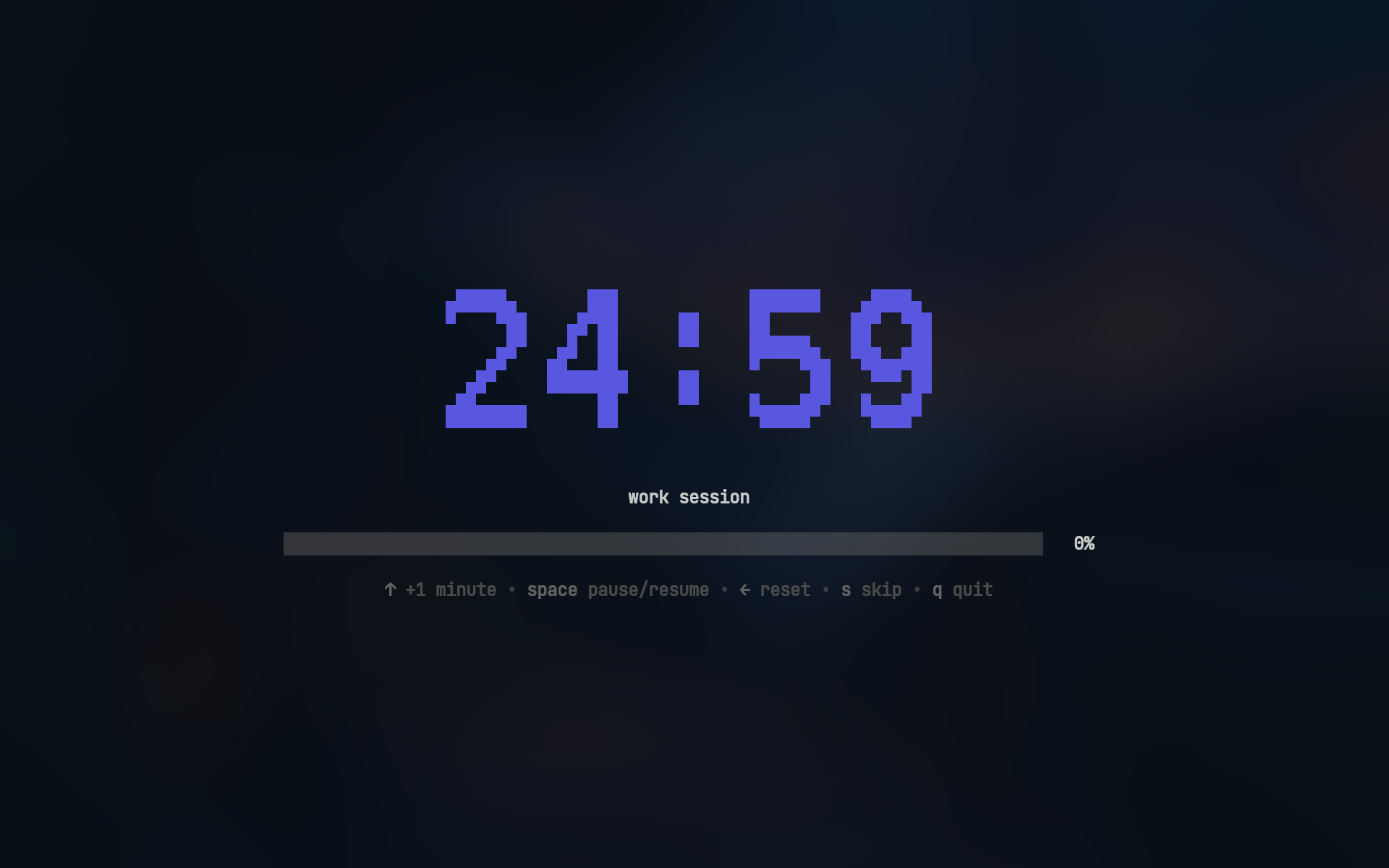
rebel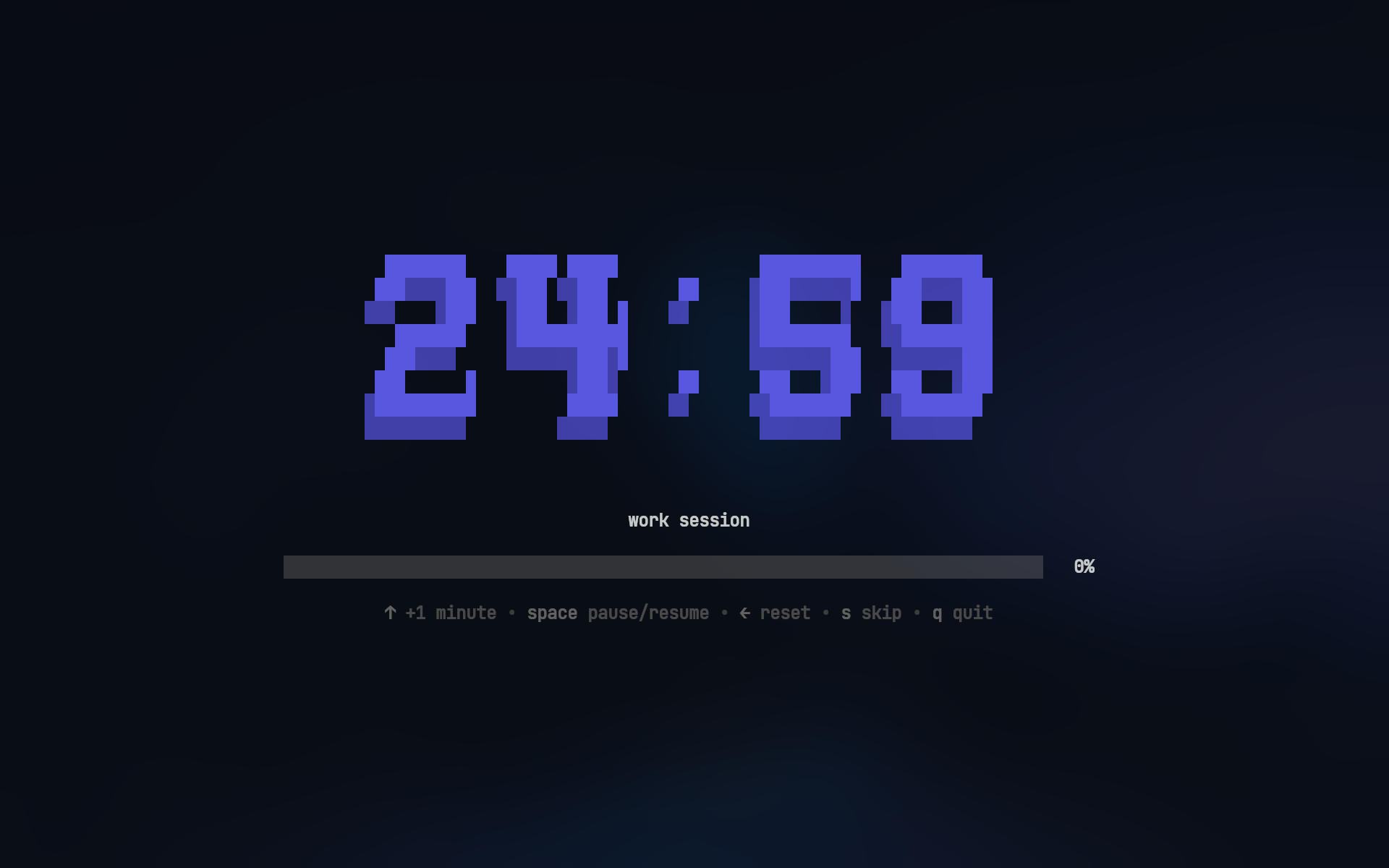
ansi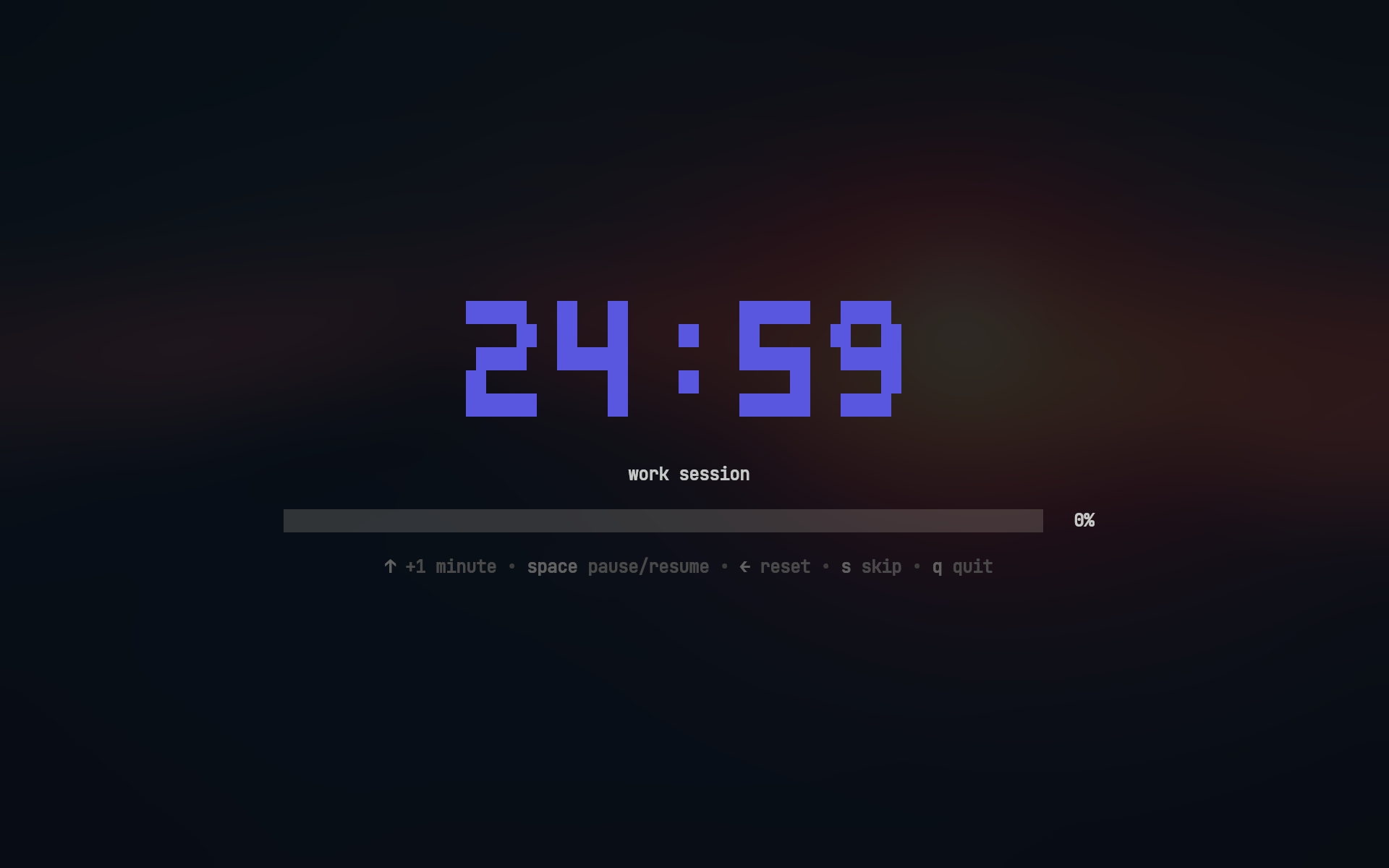
ansiShadow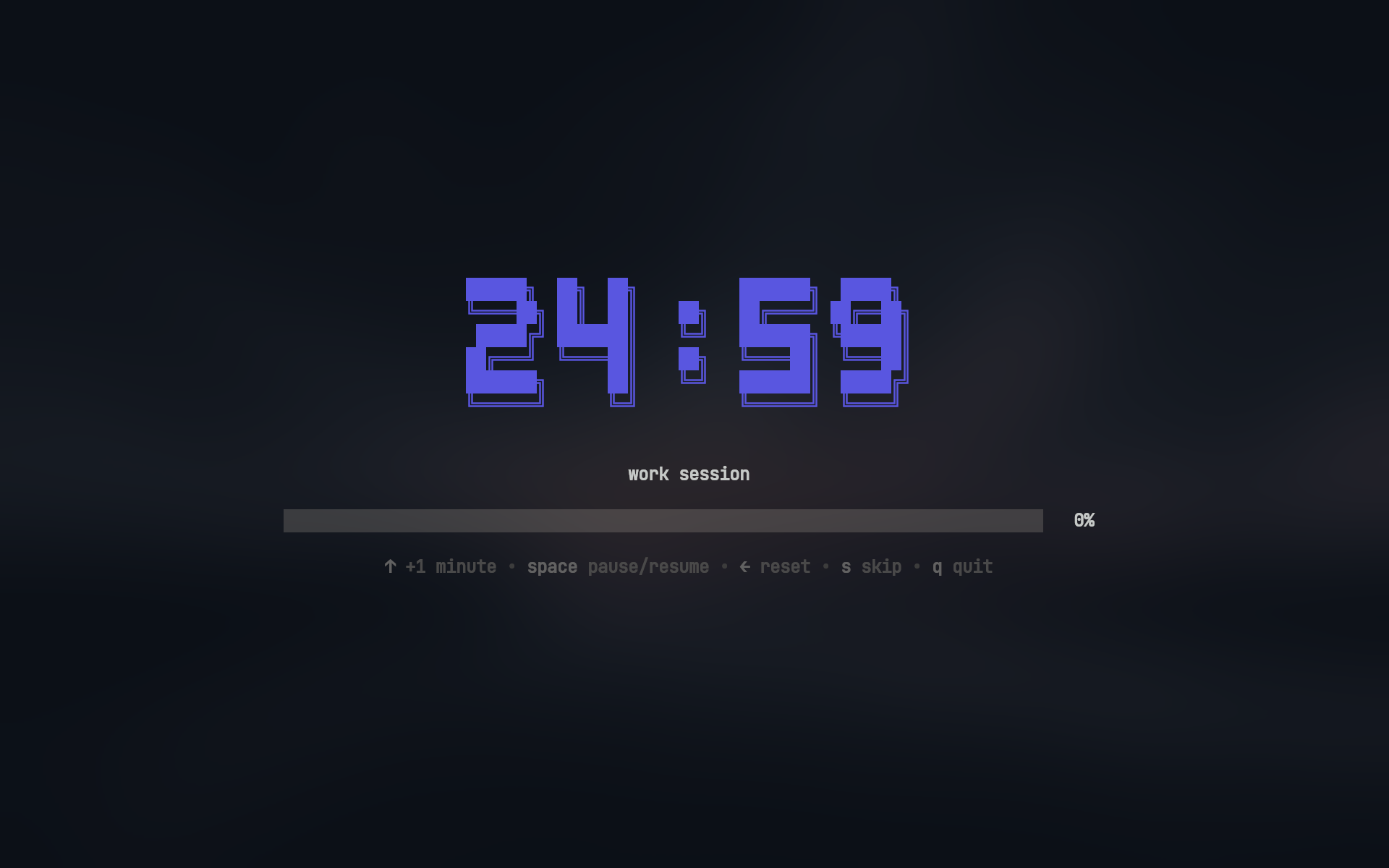
Desktop notifications
Pomo sends native desktop notifications when sessions complete, keeping you informed even when you switch away from the terminal. Linux (GNOME)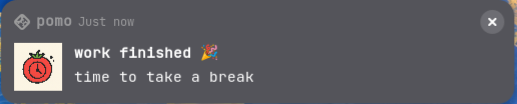 Windows
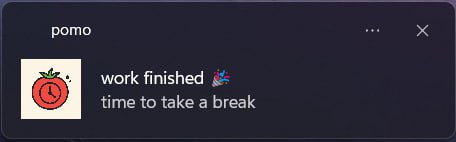
Notification appearance varies by operating system and desktop environment. Customize notification titles, messages, and icons in your configuration file.
Statistics and tracking
Track your productivity over time with thepomo stats command:
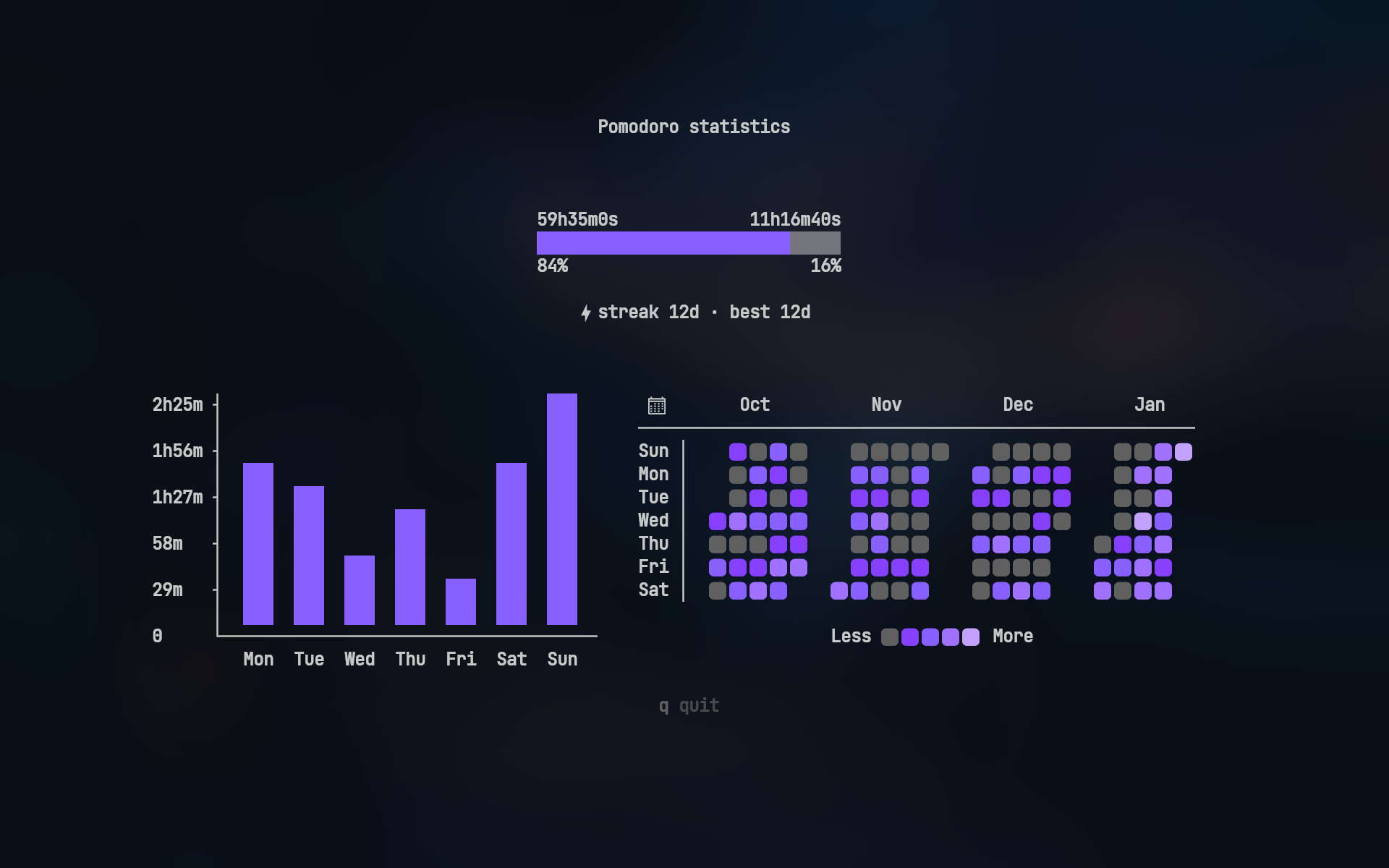
- Duration ratio - Compare total work time vs break time
- Weekly bar chart - Visualize daily work hours for the past 7 days
- 4-month heatmap - GitHub-style activity visualization showing your work patterns
Next steps
Installation
Install Pomo using your preferred package manager
Quick start
Run your first Pomodoro session in less than 5 minutes
Configuration
Customize session durations, notifications, and appearance
Statistics
Learn how to track and analyze your productivity